
There are three possible causes for this error:
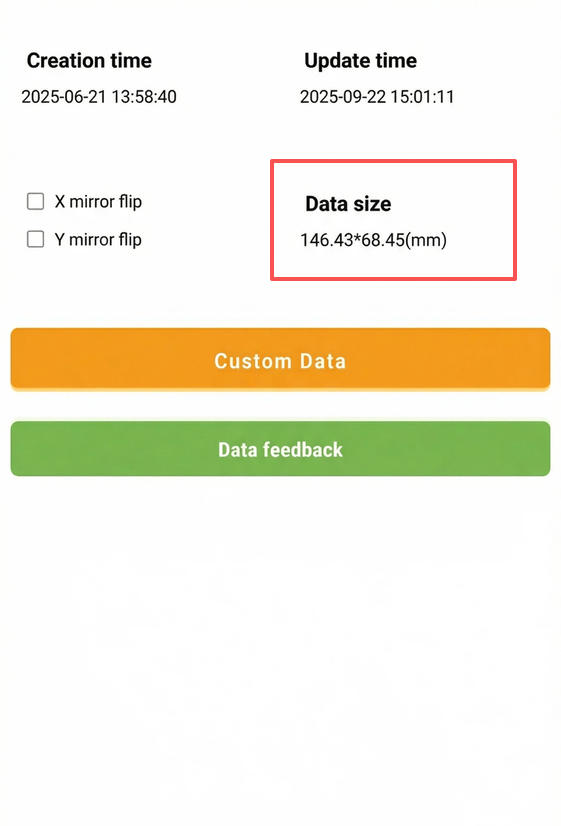
1. The template width exceeds the maximum supported size
The maximum cutting width of the screen protector machine is 228 mm.
If the template is wider than this, the machine cannot process it.
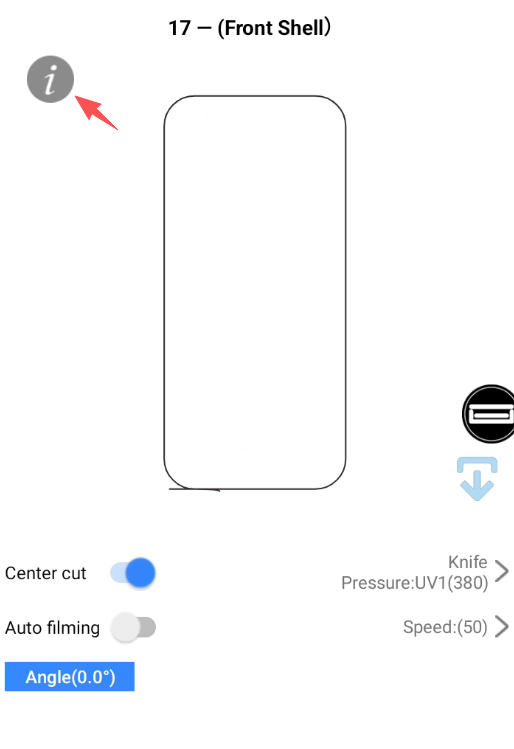
On the cutting page, click the top-left icon to check the data size.
2. Mainboard service interruption
If the machine cannot read the width correctly, it may be due to a temporary mainboard service failure.
Try the following:
Press and hold the power button for 20 seconds until you hear a beep.
Restart the machine and check whether the cutting car moves left and right during startup.
If the car cannot return to the home position, the mainboard may be faulty and needs to be replaced.