
This happens because the APP version was rolled back during the factory reset.
When the machine is reset, the system returns to the earliest APP version, and many new models added in recent updates are not supported in older APP versions.
How to fix it:
1.Update the APP to the latest version
Go to “My” → “Check for APP Update” and update the APP to version 3.0.0 or higher.(Depending on your machine version, the menu layout may look slightly different.)
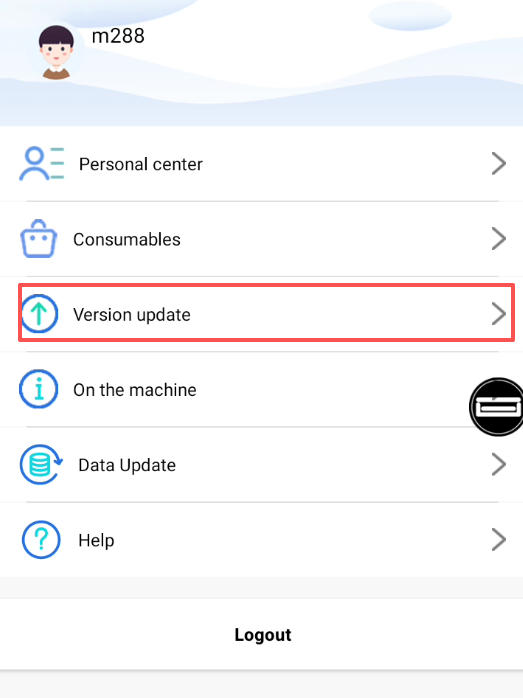
2. Update the data manually
After updating the APP, before doing anything else, go to:“My” → “Data Update”
This ensures new model data and language packs are fully synchronized.

If you skip this step, the interface may display missing text or k_date errors.