
This issue is usually caused by corrupted cached data in the system.
Please follow the steps below:
Clear the APP cache
Follow the method shown in the video to clear the Cutter APP cache completely.
Update the data
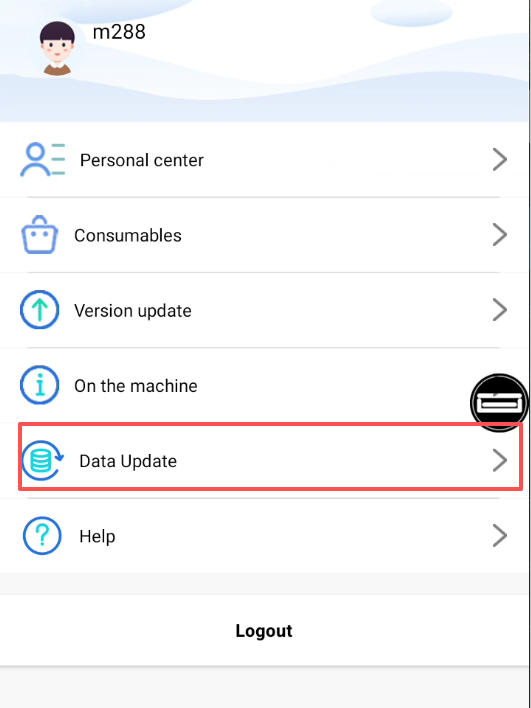
Once the system is restored, go to:“My” → “Data Update”,to refresh all templates and system data.
If the problem continues after these steps, please record a short video and send it to our technical support team.