
If the cutting model is in the wrong direction (e.g., mirrored, upside down, or rotated incorrectly), you can adjust it using the mirror and rotation functions:
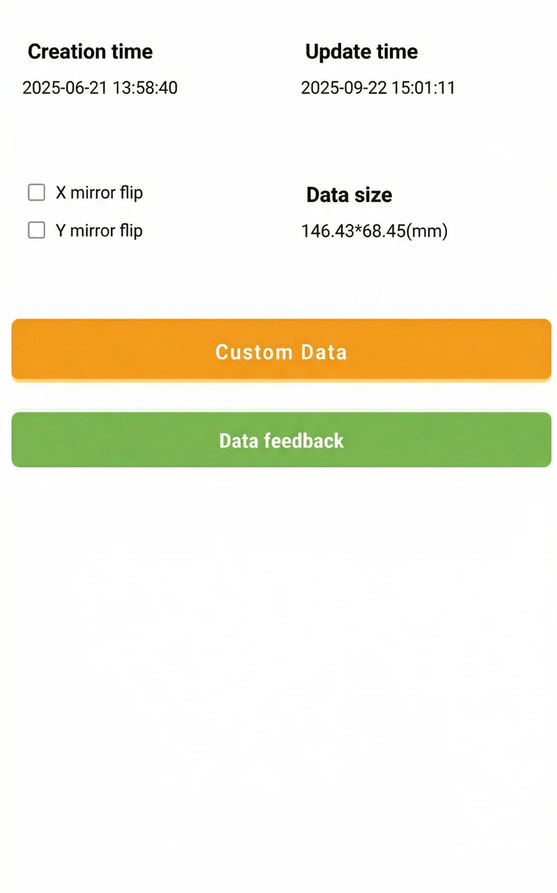
Use X/Y Axis Mirror
On any cutting page, tap the icon in the top-left corner.

Look for and enable:
Mirror X: Mirrors the model horizontally (left–right).
Mirror Y: Mirrors the model vertically (up–down).
This is useful when the camera hole, sensor hole, or speaker cutout is on the wrong side.
Use the Rotate Function
On the cutting page, tap the Rotate icon.
Enter the desired rotation angle.
After confirming, the template will rotate accordingly, correcting the cutting direction.