
If you notice white edges when applying a screen protector using the MTB-CUT M288, the issue may be caused by the following reasons:
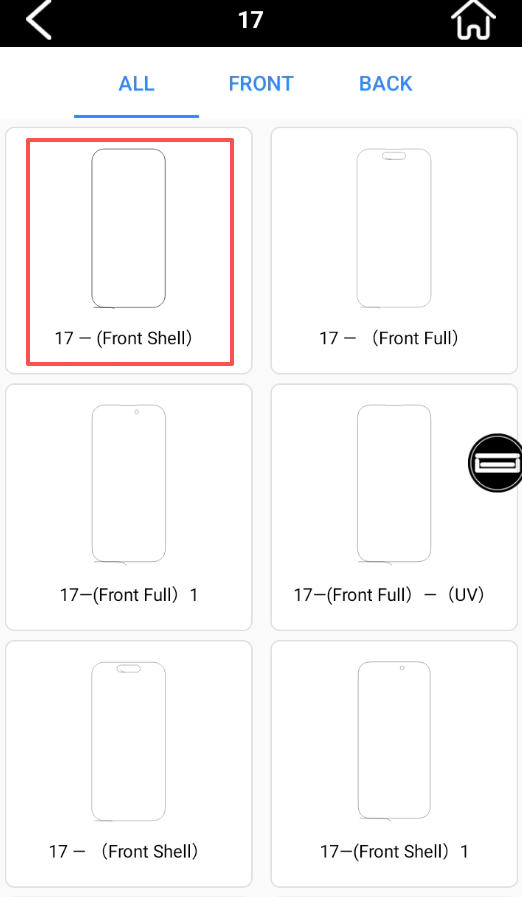
Template too large
It’s recommended to use templates labeled as “with cover” or “UV”. These templates are slightly smaller and optimized for automatic lamination, which helps reduce white edge issues.
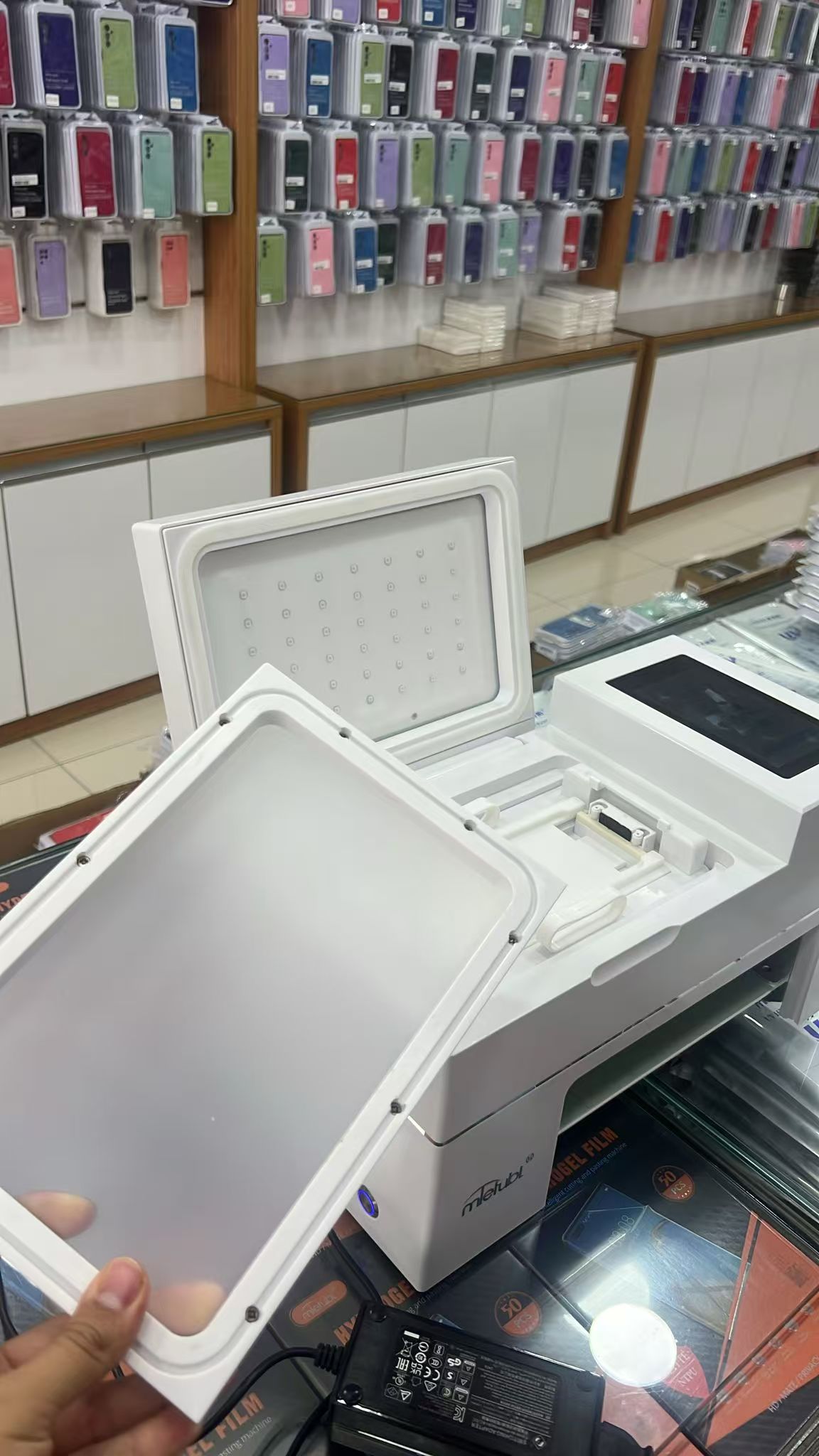
Loose or worn sealing ring
Check if the sealing ring around the lamination area is loose or worn out. Poor sealing can prevent a proper vacuum from forming, causing white edges.
Try replacing the entire sealing ring to restore proper airtightness.
Firmware version issue
You can try updating the machine’s firmware by following these steps:
Enter the update code:
DU:MTB/M288V2025431
Wait for the upgrade to complete, then restart the machine.
⚠️ Note: Always use the correct firmware version for your specific model. Installing the wrong firmware can permanently damage the mainboard.