
This issue is usually caused by corrupted cached data in the system(Please note that the following method only applies when the model list is not displayed at all.).
Please follow the steps below:
Clear the APP cache
Follow the method shown in the video to clear the Cutter APP cache completely.
Update the data
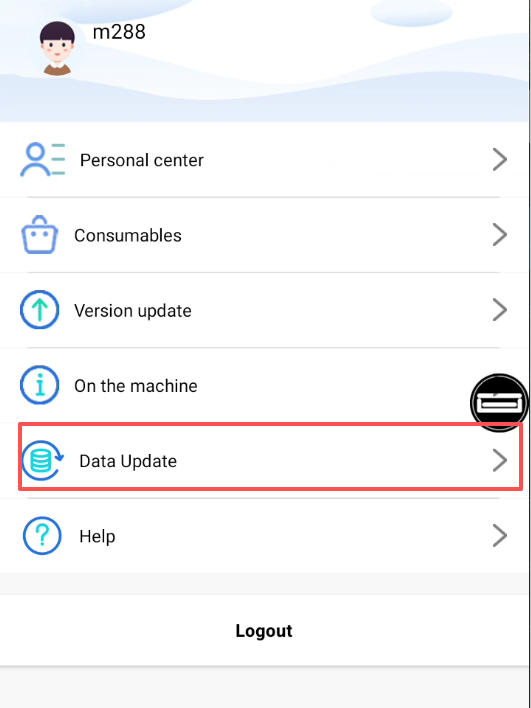
Once the system is restored, go to:“My” → “Data Update”,to refresh all templates and system data.
If the problem continues after these steps, please record a short video and send it to our technical support team.