
This issue is usually caused by a mismatch between the material size settings and the template being used.
When cutting full back film, the cutting area is larger than standard templates, so the default centering behavior may cause incomplete cutting.
Recommended Solution
Disable the “Cut Center” option when performing full back film cutting.
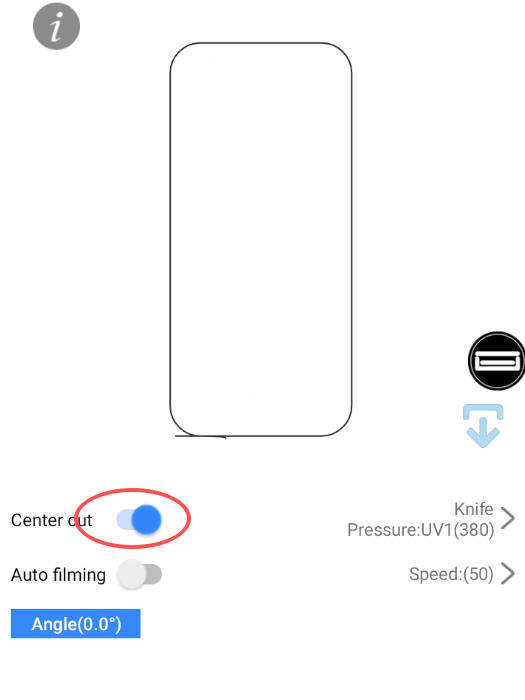
This allows the machine to use the entire material area for cutting and prevents the cutting path from exceeding the available range.
If the problem persists, double-check:
Whether the material size is correctly set (e.g., 180mm × 120mm)
Whether the template size matches the material you are using