
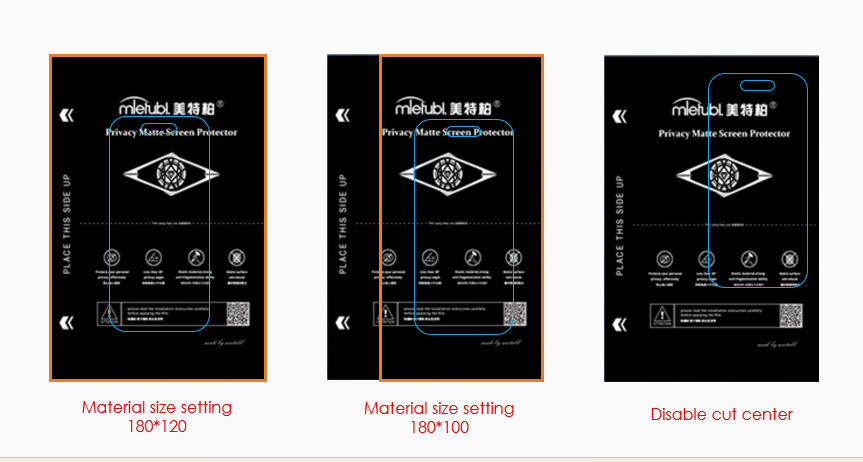
The Cut Centered option is used to position the cutting area exactly in the center of the material size you set.
For example, if your material size is set to 180mm (width) × 120mm (height), enabling Cut Centered will position the cutting template precisely in the center of this area.
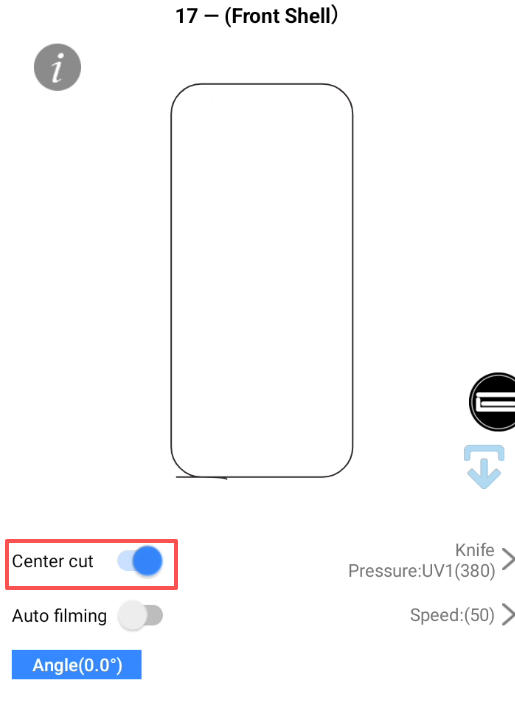
This feature allows you to flexibly adjust and control the cutting position based on different material sizes or customized needs.
Important Note
When cutting Full Back Films, it is recommended to disable the Cut Centered option.
Full back film templates are larger, and enabling Cut Centered may push the cutting path outside the material range or cause abnormal cutting alignment.