
If the machine displays a “Time Out” error during film cutting, please follow the steps below:
1. Check whether the motherboard is connected
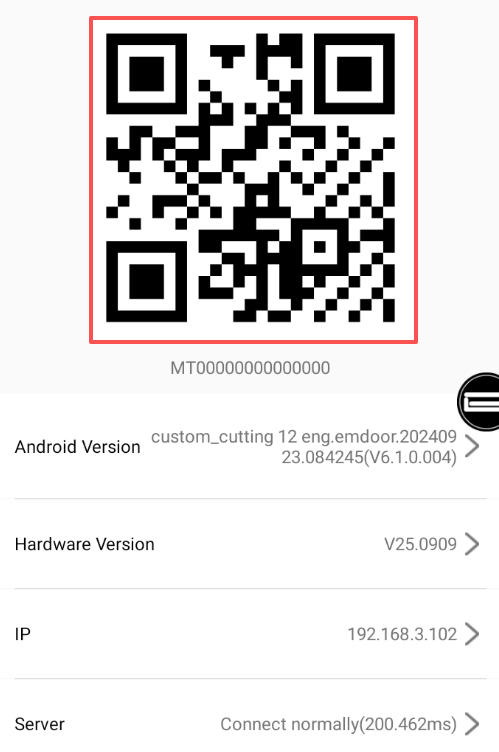
On the machine, go to:
My → About this machine
If the QR code is NOT displayed:
This indicates a mainboard malfunction.
Please replace the mainboard following the method shown in the video below.
Note that you should take a picture of the location of each wire before replacing the motherboard to prevent incorrect connection.
2. If the QR code is showing
This means the mainboard is working, but the cutting instruction may not have been completed.
Try restart the machine。After rebooting, start the cutting process again
3. If the problem still cannot be solved
Please record a video showing:
The machine’s startup process,The “About this machine” page,The error occurring during cutting
Then click the WhatsApp button below and send the video to our technical support team for further diagnosis.